Automated dropshipping lets you connect product sourcing, inventory updates, order fulfillment, tracking, marketing, and support so fewer daily tasks sit in your inbox. The right stack won’t run a profitable store by itself, but it can remove the manual clicks that slow you down once orders start coming in. U.S. retail e-commerce sales hit $326.7 billion in Q1 2026, up 9.8% year over year, according to the U.S. Census Bureau, so the stores that win are usually the ones that process orders cleanly while competitors are still copying tracking numbers.
Quick answer: This page targets tool comparison intent, separate from the definition and workflow article.
Related USAdrop resources: automated dropshipping definition, and USAdrop fulfillment.
Automated Dropshipping Tasks
Automated dropshipping is a store setup where software moves product, order, inventory, tracking, email, and support data between your sales channel and fulfillment partner. It works best for repeatable tasks with clear rules. It works poorly for product judgment, supplier accountability, brand positioning, and angry-customer decisions.

Start with the boring work. That’s where automation pays fastest. If your store gets 40 orders on a Monday, software should send order data to fulfillment, update inventory, write tracking back to Shopify or TikTok Shop, and trigger customer emails. You shouldn’t be opening 40 tabs.
Keep humans in the loop for anything that can damage trust. A supplier says “5-12 days” but your product page says “2-day delivery.” That’s not an automation issue; that’s a promise issue. The Federal Trade Commission says online sellers need a reasonable basis for advertised ship times, or must ship within 30 days if no time is stated.
| Task | Safe to Automate | Keep Human Review |
|---|---|---|
| Product import | Titles, variants, images, SKU mapping | Product-market fit and claims |
| Pricing | Margin rules, currency updates, sale limits | Final price for hero products |
| Inventory | Stock sync, out-of-stock hiding | Supplier reliability checks |
| Orders | Order push, address transfer, tracking sync | Fraud flags and VIP orders |
| Marketing | Welcome, cart, post-purchase flows | Offer strategy and copy tone |
| Support | Order status, tracking links, return policy | Refund disputes and chargebacks |
A good automation rule is simple: if the task has the same input and the same answer 90% of the time, automate it. If two smart operators would argue about the right call, leave it for a person.
Tool Stack Picks
Don’t buy tools because a dashboard looks busy. Buy tools because one part of your operation is leaking time or margin. If you’re still choosing where to build the store, this guide to dropshipping websites is a better starting point than adding six apps to a half-built checkout.
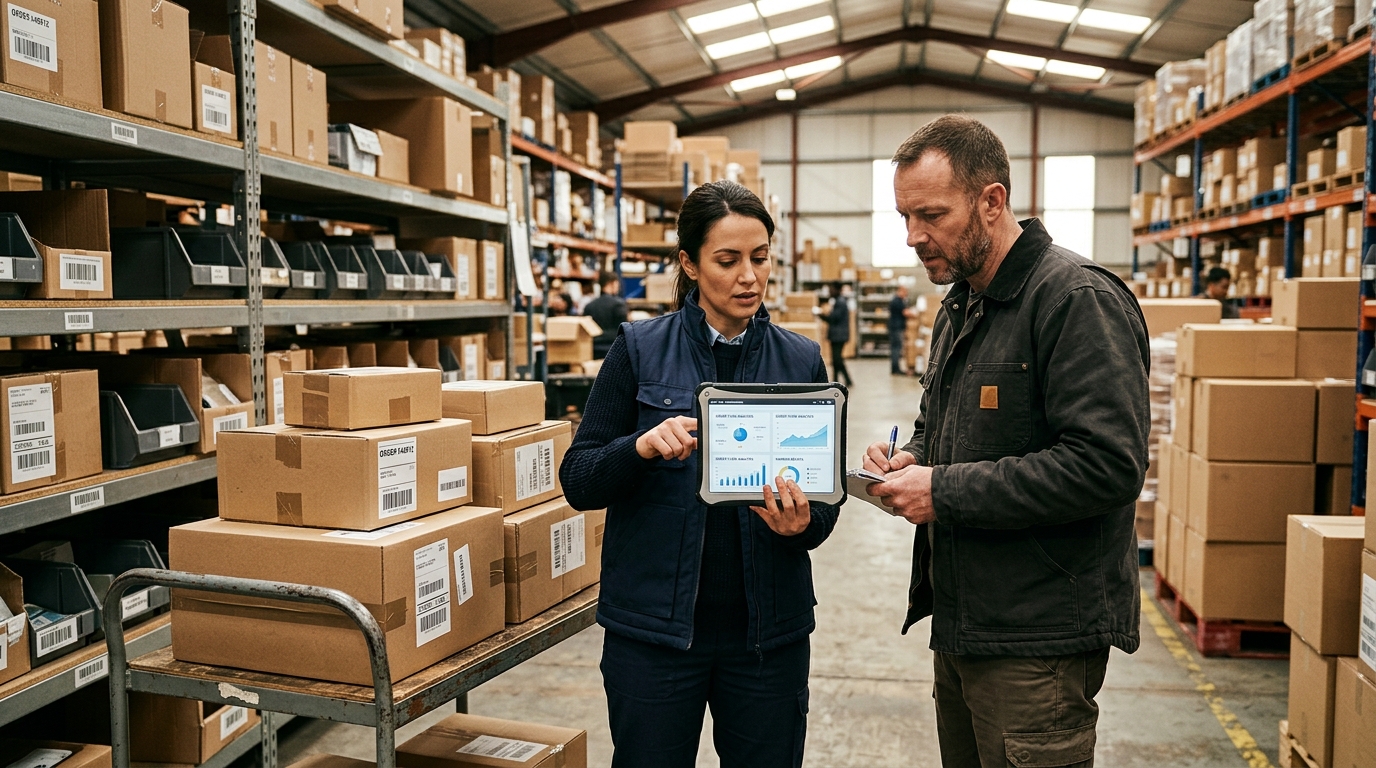
For most Shopify sellers, the cleanest setup is a native store automation layer, a fulfillment automation layer, and one marketing/support layer. If your main channel is Shopify, build your store workflow around shopify dropshipping first, then add outside tools only where Shopify’s native rules stop short.
| Tool | Best Use | Works Better For | Watch Out For |
|---|---|---|---|
| Shopify Flow | Store rules and internal workflows | Shopify stores with repeat order logic | Limited value outside Shopify |
| AutoDS | Product import, price checks, order handling | Multi-channel sellers testing many SKUs | Supplier quality still needs review |
| DSers | AliExpress bulk ordering | Sellers using AliExpress suppliers | Less useful if you want branded fulfillment |
| Zendrop | Sourcing plus fulfillment | Beginners who want one supplier system | Catalog depth varies by niche |
| Klaviyo | Email and SMS flows | Stores with repeat-purchase potential | Bad event tracking ruins flows |
| Gorgias | Support automation | Stores buried in WISMO tickets | Needs clear policies to answer well |
| Zapier or Make | App-to-app handoffs | Mixed stacks with odd edge cases | Too many zaps create fragile ops |
| USADROP | Fulfillment automation layer | Sellers ready for sourcing, QC, warehousing, tracking | Product mapping must be clean |
Shopify Flow is the first tool to set up if you run on Shopify. Use it to tag high-risk orders, alert your team when inventory falls below a threshold, hold orders with missing address data, and route VIP orders differently. Shopify’s own help docs describe Flow as workflows built from triggers, conditions, and actions, which is exactly the logic store operators use in their heads.
Zapier and Make sit between apps. They’re useful when your store needs a custom handoff, like sending high-ticket orders to Slack, pushing delayed shipments into a Google Sheet, or creating a task when a tracking number hasn’t updated after five days. Use them sparingly. A store with 60 zaps can become harder to manage than a store with no automation at all.
Sourcing Fulfillment Tools
AutoDS is the broadest testing tool in this group. It works well when you’re scanning many products, importing listings quickly, monitoring stock and price changes, and testing across channels. AutoDS says its platform supports product research, importing, fulfillment, and tracking updates. That’s useful for a general store trying 20 products in a month, especially when speed matters more than brand polish.

DSers is more focused. If your workflow is still AliExpress-heavy, DSers is strong at bulk order placement, supplier mapping, and tracking sync. DSers says sellers can place hundreds of AliExpress orders in a few seconds and sync tracking numbers back to the store. That makes DSers better than AutoDS for one specific use case: high-volume AliExpress order handling where you already know your supplier setup.
Zendrop is a better fit when you want fewer moving parts. It combines product sourcing, fulfillment, custom branding options, and tracking in one platform. Zendrop says advanced plans include automated fulfillment and unlimited orders, while its U.S. fulfillment option can cut delivery times when inventory is stocked domestically. The drawback is control. You gain convenience, but you still need to check whether your niche has enough strong products inside the catalog.
| Use Case | Better Pick | Why |
|---|---|---|
| Testing many SKUs fast | AutoDS | Product scanning and broad automation |
| AliExpress bulk orders | DSers | Supplier mapping and batch order flow |
| Beginner supplier setup | Zendrop | Sourcing and fulfillment in one account |
| Branded scaling | USADROP | Sourcing, QC, custom packaging, global warehouses |
Here’s the part new sellers miss. Sourcing automation can make a bad product fail faster. If a kitchen gadget has confusing instructions, a sizing chart is wrong, or the supplier swaps materials after week two, no app fixes that. Order a sample. Check the packaging. Read the tracking timeline like a customer would.
USADROP fits later in this same chain, when fulfillment quality matters more than fast listing imports. We handle product sourcing, quotes, quality checks, warehousing, fulfillment, and tracking so sellers aren’t stuck stitching together suppliers and order processors one sale at a time.
Store Workflow Tools
Shopify Flow should run your store’s internal rules. A simple flow might tag orders over $150 for review, notify your team when a SKU sells out, or hold fulfillment when the shipping address contains a mismatch. That sounds small until you avoid one $400 chargeback or stop selling a product your supplier ran out of yesterday.

Use Shopify Flow for store events. Use Zapier or Make for cross-app events. Example: Shopify tags an order as “delayed-risk,” then Zapier sends that order to your support queue, adds the customer to a Klaviyo segment, and pings your fulfillment manager. Clean. Four steps, one trigger.
A good workflow stack has fewer rules than you think:
1. Hold orders with fraud risk above your chosen threshold.
2. Alert the team when a bestseller drops below seven days of sellable stock.
3. Hide or draft products when supplier inventory hits zero.
4. Tag first-time buyers, repeat buyers, and VIP buyers differently.
5. Create a support task when tracking hasn’t moved after five business days.
6. Send weekly margin reports by SKU, not just total revenue.
Don’t automate pricing until your cost data is stable. If supplier cost, shipping cost, and payment fees aren’t mapped correctly, a 30% margin rule can quietly become a 4% margin rule. You sell 200 units, then wonder why the bank account didn’t move.
For reporting, you can start with Shopify analytics and a spreadsheet before paying for heavier tools. Once ad spend grows, connect profit tracking to actual product cost and shipping cost. Revenue is loud. Net profit whispers until you force it into a report.
Marketing Support Tools
Klaviyo is the best pick in this group for email and SMS automation because it reacts to customer behavior. Its flow library covers welcome series, abandoned cart reminders, browse abandonment, post-purchase follow-ups, price drops, and back-in-stock alerts. For dropshipping stores, the highest-value flows are usually abandoned checkout, post-purchase education, shipping expectation updates, and review requests.

The trap is sending marketing emails while fulfillment is messy. Picture this: a customer buys a portable blender. Two hours later, they get a cheerful upsell email. Five days later, tracking still hasn’t moved. Now the upsell feels tone-deaf. Connect fulfillment status to your messaging wherever possible, especially for longer delivery windows.
Gorgias is the support pick for Shopify-heavy stores. Gorgias says Shopify merchants can automate common support tasks, display customer order data inside tickets, manage orders, and answer tracking questions without constant tab switching. That matters because “Where is my order?” is the ticket type that eats small teams alive.
| Customer Moment | Automation To Build | Tool Fit |
|---|---|---|
| Email signup | Welcome flow with first-purchase offer | Klaviyo |
| Cart left behind | Cart reminder with exact product | Klaviyo |
| Order shipped | Tracking email with carrier link | Fulfillment tool plus Klaviyo |
| Tracking stalled | Support task or proactive email | Gorgias plus Zapier |
| Refund request | Policy answer plus human approval | Gorgias |
Support automation needs plain policies. If your return policy has eight exceptions, your AI support agent or macro library will make mistakes. Write the policy for a tired customer reading on a phone: return window, eligible products, refund timing, contact path. No clever wording.
Keep refunds and chargebacks approval-gated. A bot can collect the order number, pull tracking, ask for a photo, and explain the next step. A person should decide when money leaves the account, when a replacement ships, and when a customer gets blocked.
USADROP Fulfillment Layer
USADROP should sit where the sale becomes a real package. Store tools create orders. Marketing tools create demand. Support tools answer questions. The fulfillment layer needs to receive the order, confirm product mapping, process payment or wallet rules, pick the right shipping method, send tracking back, and surface exceptions before customers complain.

At USADROP, we built around that operational handoff. The platform supports direct Shopify and TikTok Shop connections, product import, auto order sync, inventory sync, bulk import, real-time tracking, product sourcing, quality checks, private label options, and custom packaging. USADROP also reports 80M+ fulfilled orders, 10+ years of experience, 18 global warehouses, and product quotes averaging 8.66% lower than the market average.
For sellers thinking in API terms, treat fulfillment as a field-mapping problem before you treat it as a software problem. Your system needs clean SKU IDs, variant IDs, customer addresses, shipping methods, product cost, package weight, tracking numbers, carrier names, and exception statuses. If those fields are sloppy, every tool looks worse than it is.
| Fulfillment Field | Why It Matters |
|---|---|
| SKU and variant ID | Prevents wrong color, size, or bundle shipments |
| Product cost and shipping cost | Keeps profit reports honest |
| Shipping method | Matches checkout promise to carrier reality |
| Tracking number and carrier | Powers customer updates and support replies |
| Exception status | Flags failed payment, bad address, stock issue, or delay |
USADROP’s current direct connection path is strongest for Shopify and TikTok Shop sellers. Non-connected orders can be handled with CSV workflows, and custom API-style requirements should be scoped around order sync, tracking writeback, inventory updates, and exception alerts. The goal is simple: when an order is paid, fulfillment data moves without a person babysitting it.
This is where “autopilot” becomes a real operating system. You still choose products, set margins, approve brand rules, and watch supplier performance. USADROP handles the repeatable fulfillment work underneath: sourcing, quoting, warehouse routing, packing, shipping, and tracking.
FAQ
Can automated dropshipping run itself?
Automated dropshipping can run repeatable tasks, but it can’t choose winning products, fix weak suppliers, or handle every customer conflict. You still need human review for product quality, pricing, shipping promises, refunds, and brand decisions.
What tasks should I automate first?
Start with order sync, tracking updates, inventory alerts, abandoned checkout emails, and order-status support replies. Those tasks happen often, follow clear rules, and create customer pain fast when they fall behind.
Which dropshipping tool is best?
Shopify Flow is best for Shopify store rules, DSers is best for AliExpress bulk orders, AutoDS is best for broad product testing, and USADROP is best when fulfillment quality, sourcing, and tracking become the bottleneck.
Can Shopify automate dropshipping orders?
Yes, Shopify can automate parts of dropshipping through Shopify Flow and fulfillment app integrations. You still need a fulfillment partner that can receive orders, confirm product mapping, process fulfillment, and send tracking back.
Is automated dropshipping legal?
Yes, automated dropshipping is legal when your product claims, delivery promises, refund policy, and supplier practices are honest. U.S. sellers should pay close attention to FTC shipping rules, chargeback risk, and category-specific restrictions.
Before you add another app, map one live order from checkout to tracking delivery and mark every manual touch. When you’re ready to make fulfillment the part you can trust, USADROP can help connect your store, quote products, sync orders, route fulfillment, and return tracking through one fulfillment automation layer.